Nothing but the page
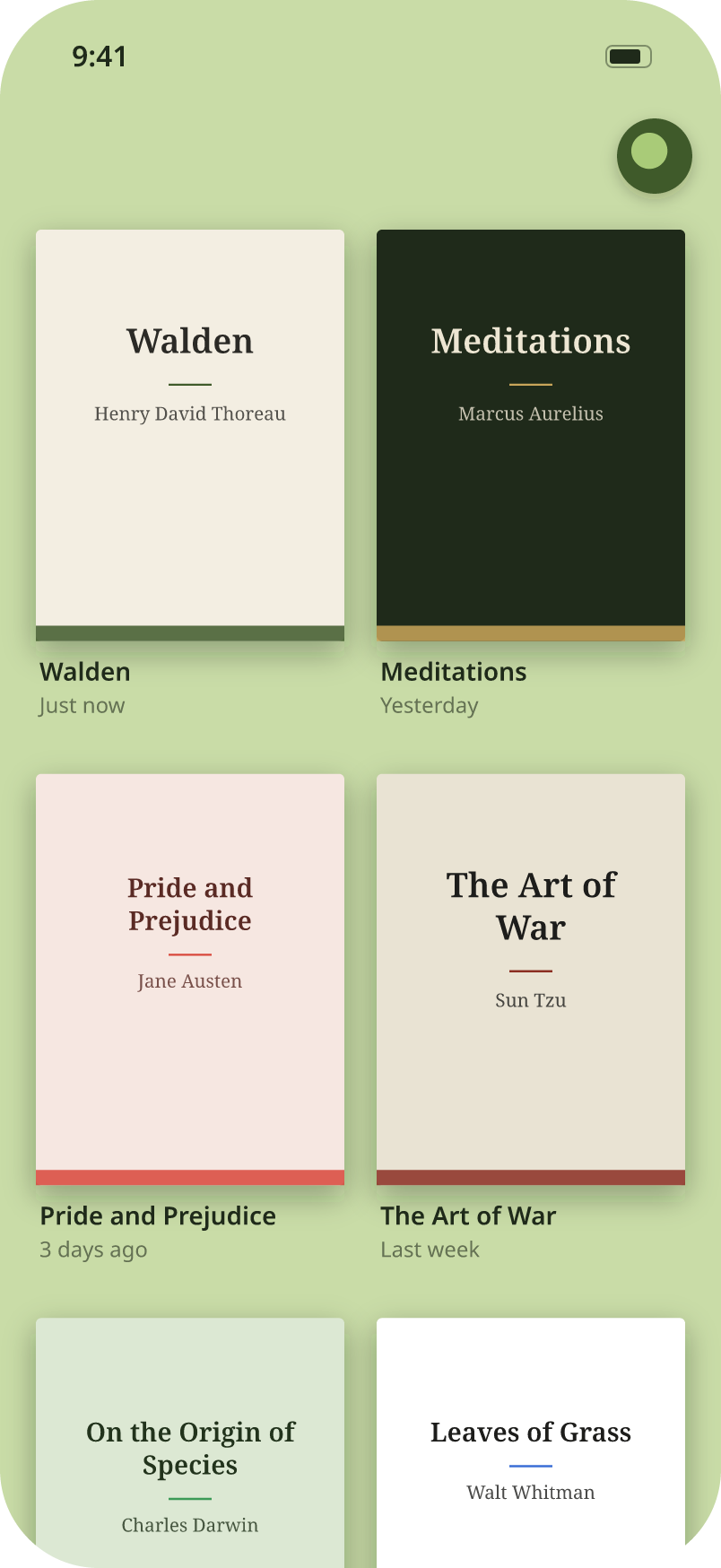
No tab bar, no toolbars. Just your books and a small logo in the corner. Tap it when you need the menu.
A quiet PDF reader for iPhone and iPad. Mark pages with six pens, then tap a line to keep it as a sticky note.
View on the App StoreUS$2.99 · One purchase, no subscription · iOS 16 or later
Features
No tab bar, no toolbars. Just your books and a small logo in the corner. Tap it when you need the menu.
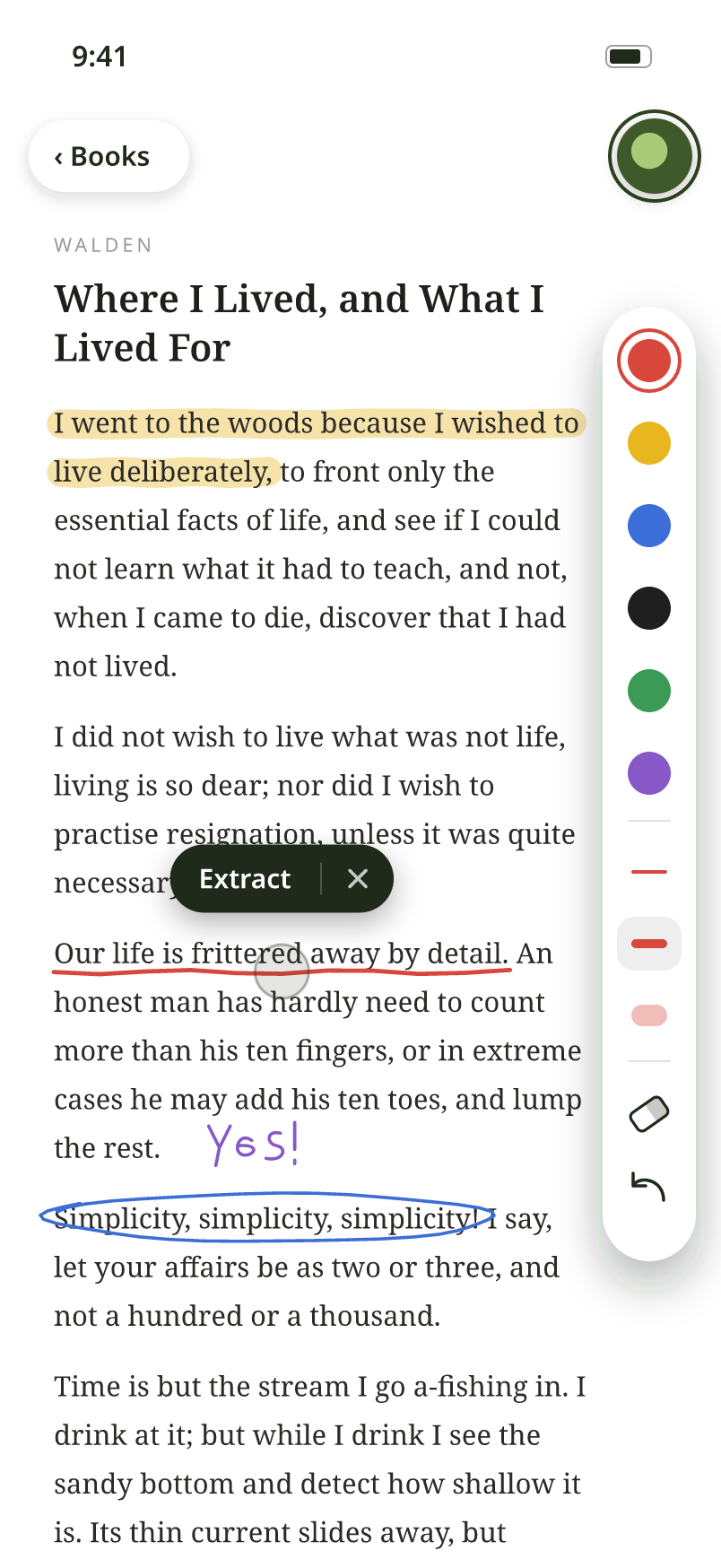
Six colors and three widths, including a translucent highlighter. Apple Pencil or your finger. Marks are saved into the PDF.
Draw and write freely. When a line is worth keeping, tap it and choose Extract. Pearead completes the sentence for you.
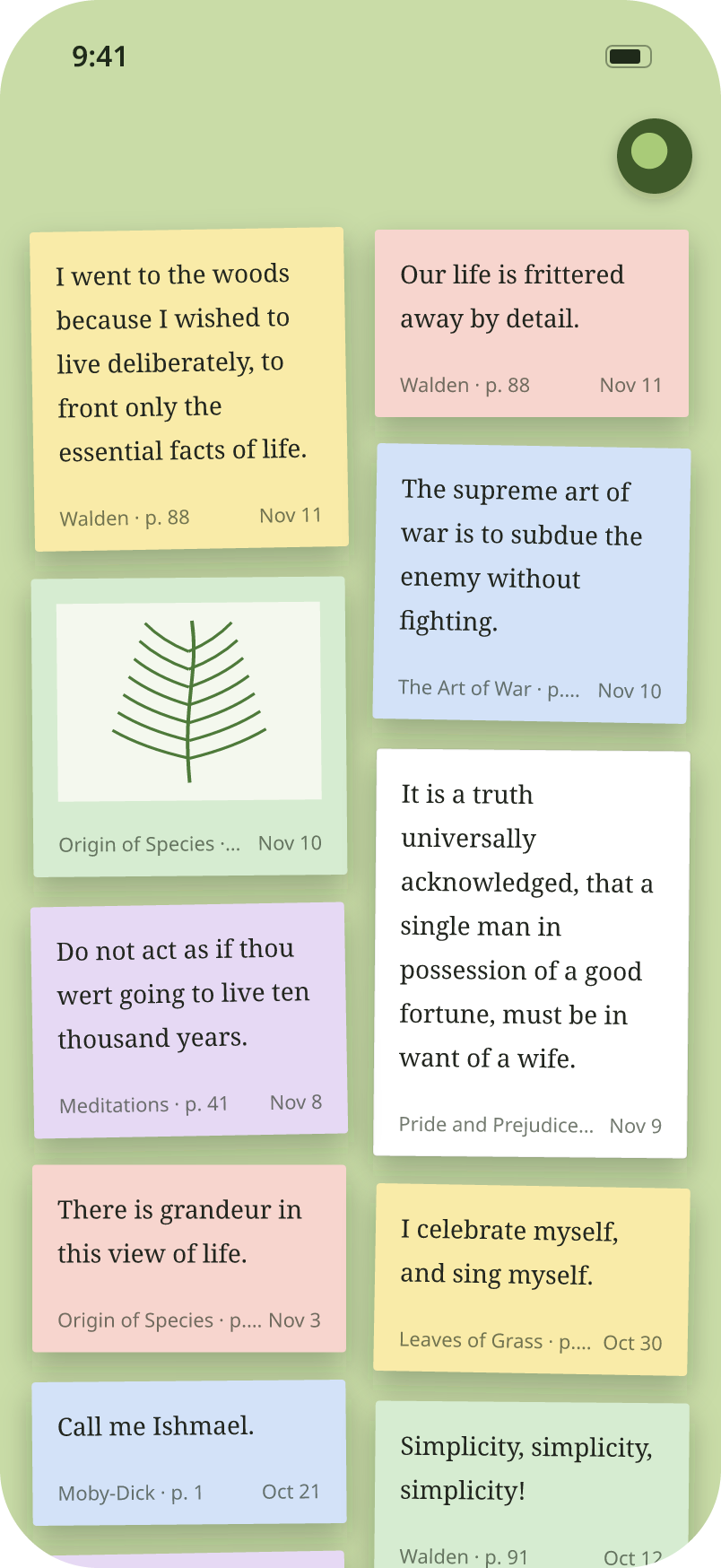
Every excerpt becomes a sticky note in the color of your pen. Tap a note to jump back to its page.
Scanned pages are read with on-device text recognition. Pictures and charts are kept as images.
No account, no sync, no tracking. Your books stay on your device, and the Trash is locked with Face ID.
A closer look
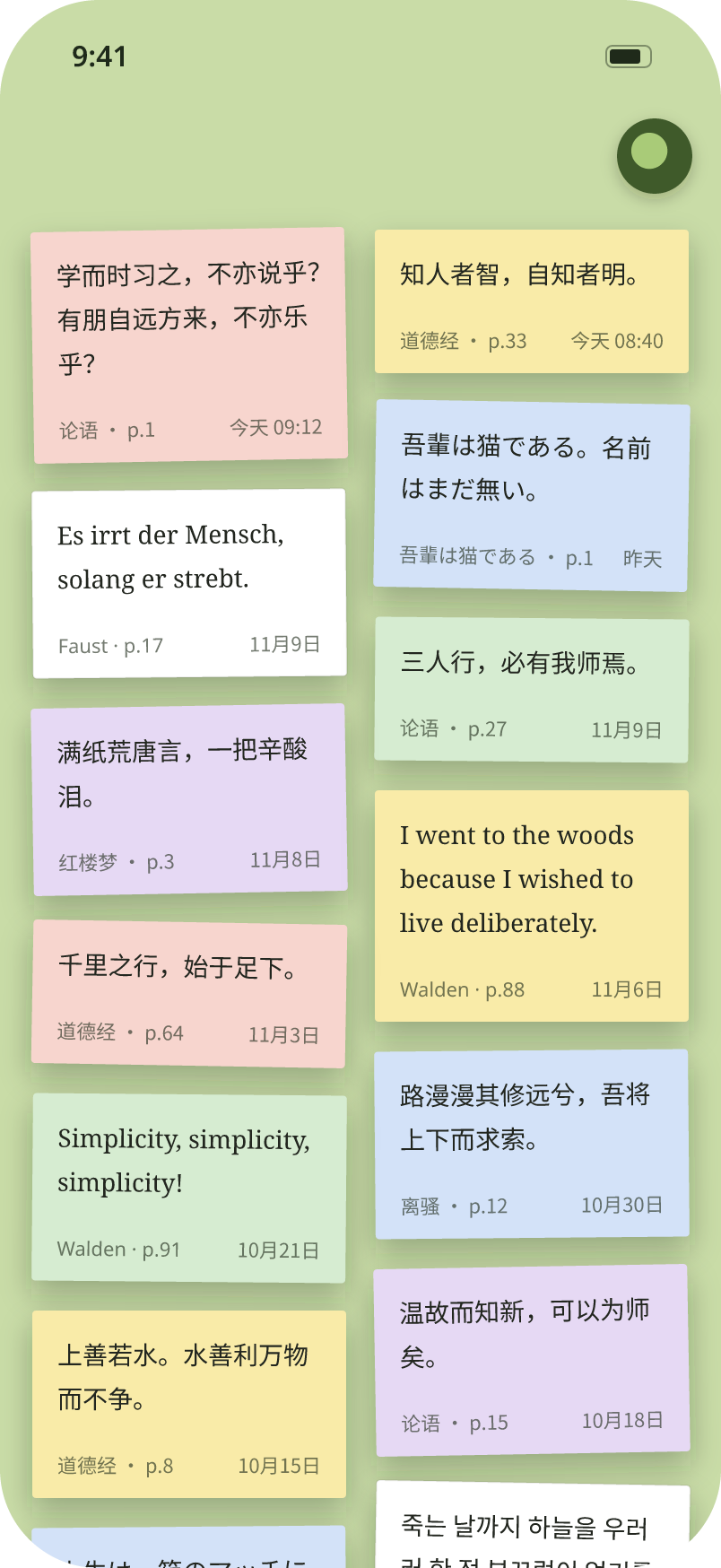
Pearead follows your system language, and you can change it anytime in Settings.
Privacy
Pearead does not collect, store or share any personal data.
If you delete Pearead, all of its data is removed from your device.
Last updated: November 12, 2026
Support
Tap the logo in the top-right corner, choose Import PDF and pick one or more files from the Files app.
While reading, tap the logo to show the marks toolbar and draw on the page. Then tap the line you drew and choose Extract.
Drawing never creates notes on its own, so you can write in the margins freely. Tap a line and choose Extract when you want to keep it.
No. Pearead keeps everything on your device, with no account and no cloud.
Choose Trash from the logo menu and restore the book. Deleted books are kept for 30 days.